
Trema Pro
Consider using this if you need to provide more context on why you do what you do. Be engaging. Focus on delivering value to your visitors.
Go Pro for Advanced Control
Unlock even more customization and features with Trema Pro:
- Custom Pages - Build public facing pages inside Moodle LMS with no extra plugins
- Enhanced UI/UX - Visual improvements to Notifications, Quiz, etc.
- Email Customization - Add a header/footer to all outgoing emails
- Improved Course Cards - Show descriptions/summaries inline, toggle title underlines
- Header Search Bar - Enable global or course search in the header
- Content Controls - Disable Google Translate, deter copy/paste
- Drawer Controls - Option to disable the course index drawer
- Accessibility Sidebar - Provide quick access to accessibility tools
- Top Content Block - Add global blocks to all pages
Why it Matters
With Trema, you can:
- Build a Moodle LMS site that represents your organization professionally
- Reduce dependency on custom code or third-party plugins
- Improve usability and accessibility for all users
- Customize quickly - no dev team required
- Create a better first impression for students, staff, and stakeholders
Trema
No Support- Basic Tags
- Unlimited Webistes
- No Support
Trema Pro
Supported- Basic & Advanced Tags
- One Website
- 6 Months Support
Trema Pro+
Long-Term/Priority Support- Basic & Advanced Tags
- 3 Websites
- 12 Months Support

Moodle LMS sites worldwide
New Settings
versions of Moodle LMS supported, from 4.0 to 5.0.
average downloads each month
Make Your Moodle LMS Site Look Modern and Professional
Trema gives your LMS a sleek, brand-aligned design - no custom code or extra plugins required.
Custom colors, clean layouts, and intuitive controls help you build a Moodle LMS site your organiztion can be proud of.
Moodle LMS is known for its functionality - but not for its looks.
Out of the box, Moodle LMS sites often feel outdated, unbranded, and hard to customize without technical help.
As a site administrator, you want your platform to reflect your organization’s professionalism. But between fixed menus, limited layout options, and hardcoded styling, that’s easier said than done.
Trema is a modern, responsive Moodle LMS theme designed to give admins more visual control.
From custom fonts and backgrounds to branded login pages and improved accessibility, Trema makes your LMS look as good as it performs - with no code required.
Start free, and upgrade to PRO anytime for deeper customization, accessibility tools, and layout enhancements.
What You Can do With Trema
Match Your Branding with Custom Colors and Fonts
Match Your Branding with Custom Colors and Fonts
Control Your Menus and Navigation
Compatible with the popular FilterCodes plugin, you can rearrange menus, hide specific items, or align navigation just the way you want.
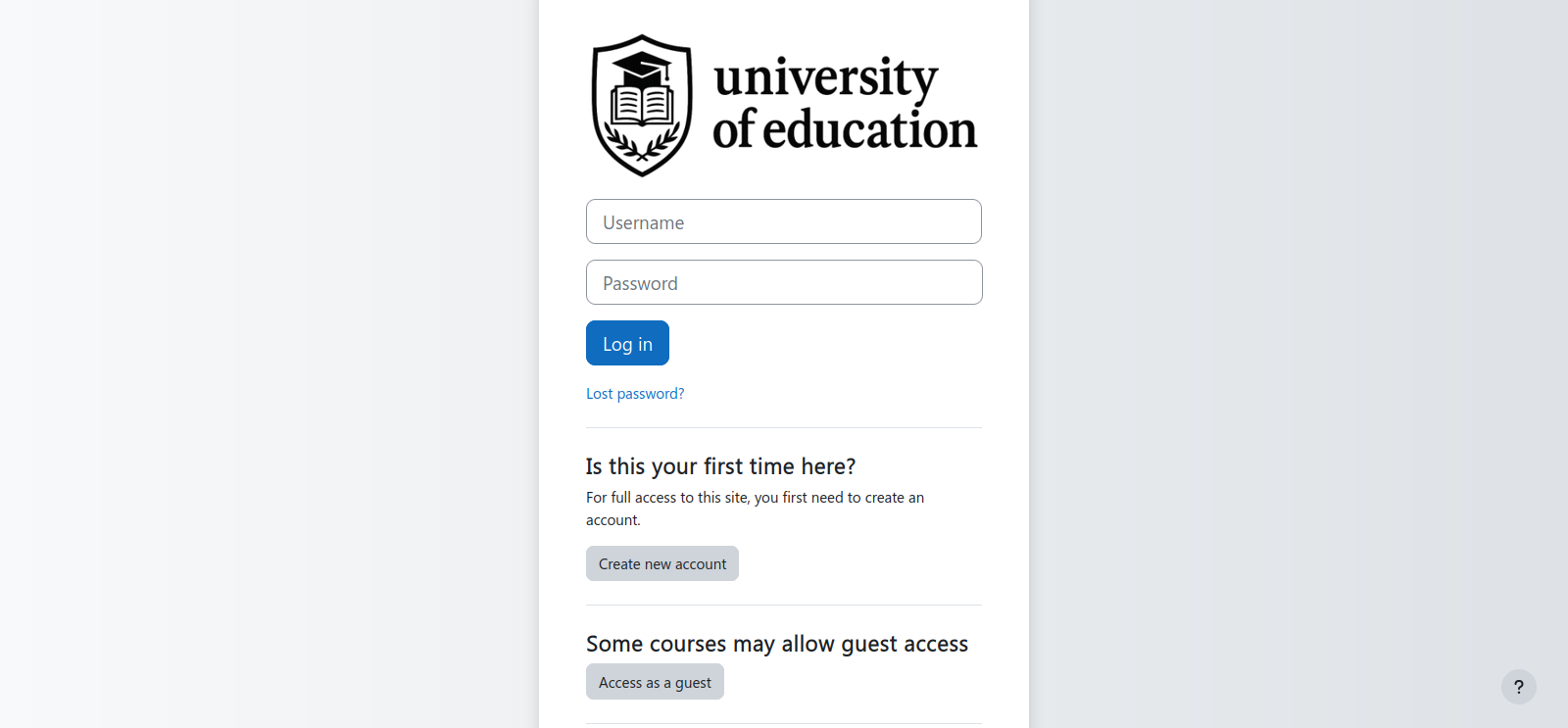
Configure a Personalized Login Page
Create a login experience that reflects your organization’s identity and style.
Run Offline Without Issues
Trema doesn’t depend on any external libraries - it just works, even without an Internet connection.
Join over 25 companies using FilterCodes worldwide!
- Government of Alberta
- Government of Canada
- Moodle PTUI.
- Black Boys Code
- Premergency
- HZ University of Applied Sciences
- Canadian Standards Association
- Edunao
- Catalyst IT
- A6 Training & Consultancy Ltd.
- Massey University
- University of Regina
Works Offline
Feature | Typical Theme | Trema |
External CDNs (fonts, JS) | [cancel] Often required | [checkmark] None required |
Works with no internet | [warning] May break | [checkmark] Fully offline-ready |
Google Fonts dependency | [cancel] Common | [checkmark] Self-hosted/none |
Frameworks from CDN | [cancel] Often via CDN | [checkmark] Bundled locally |
LAN-only deployments | [warning] Limited | [checkmark] Optimized |
No external dependencies: All assets are served from your Moodle server, ideal for remote or secure environments.
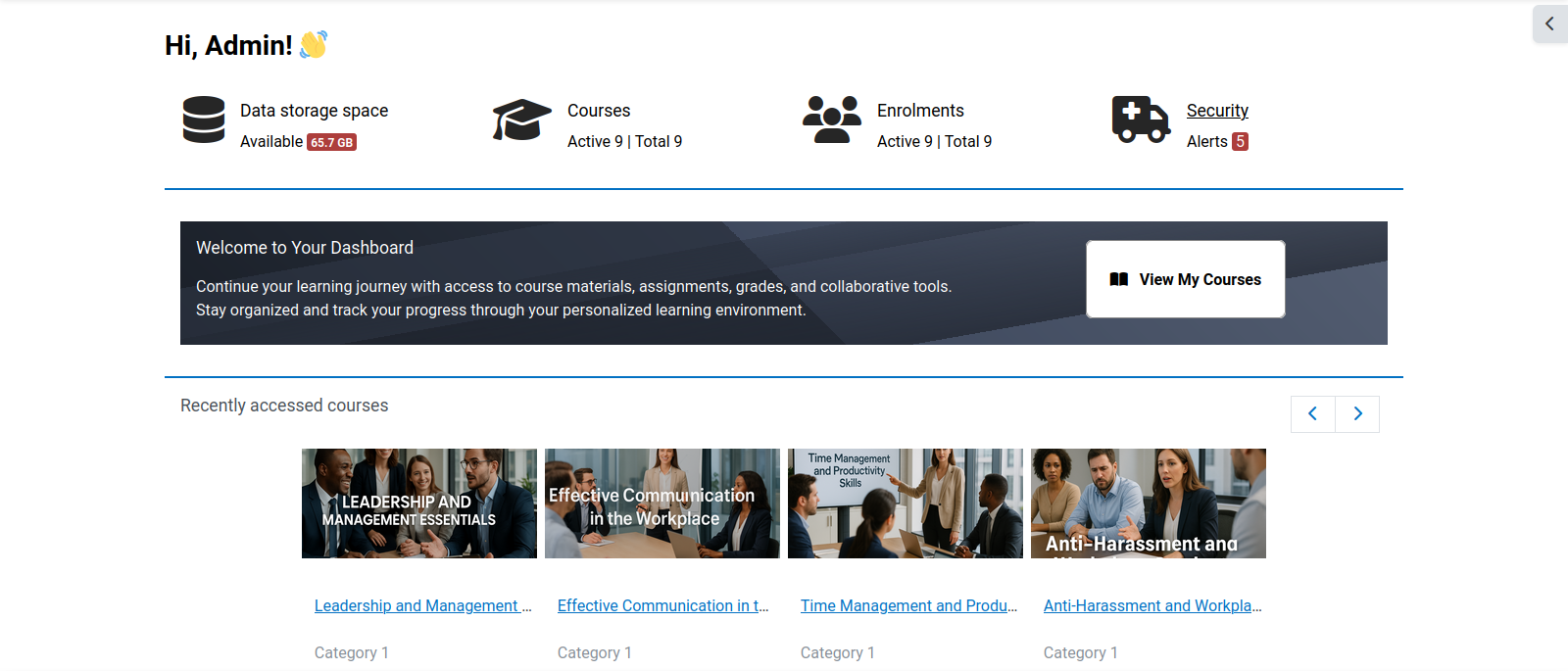
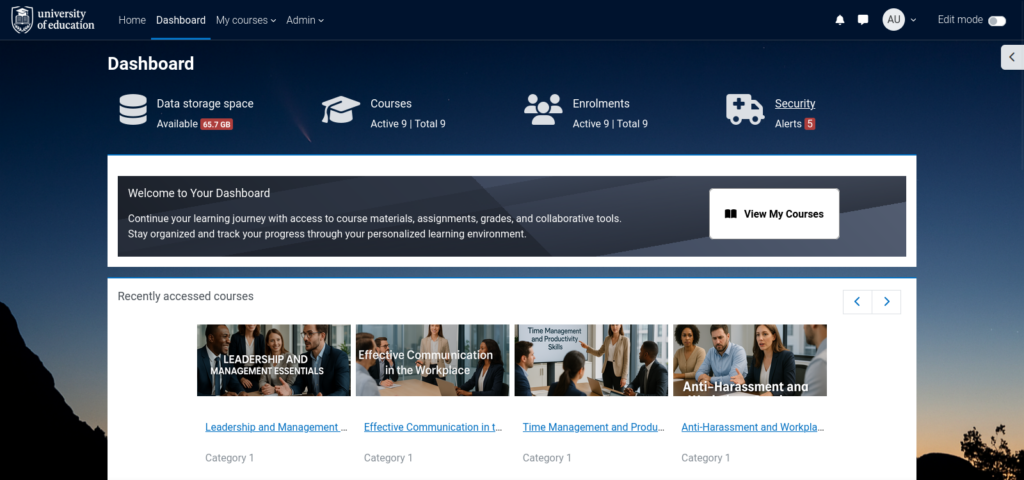
Quick Access to Important Admin Information
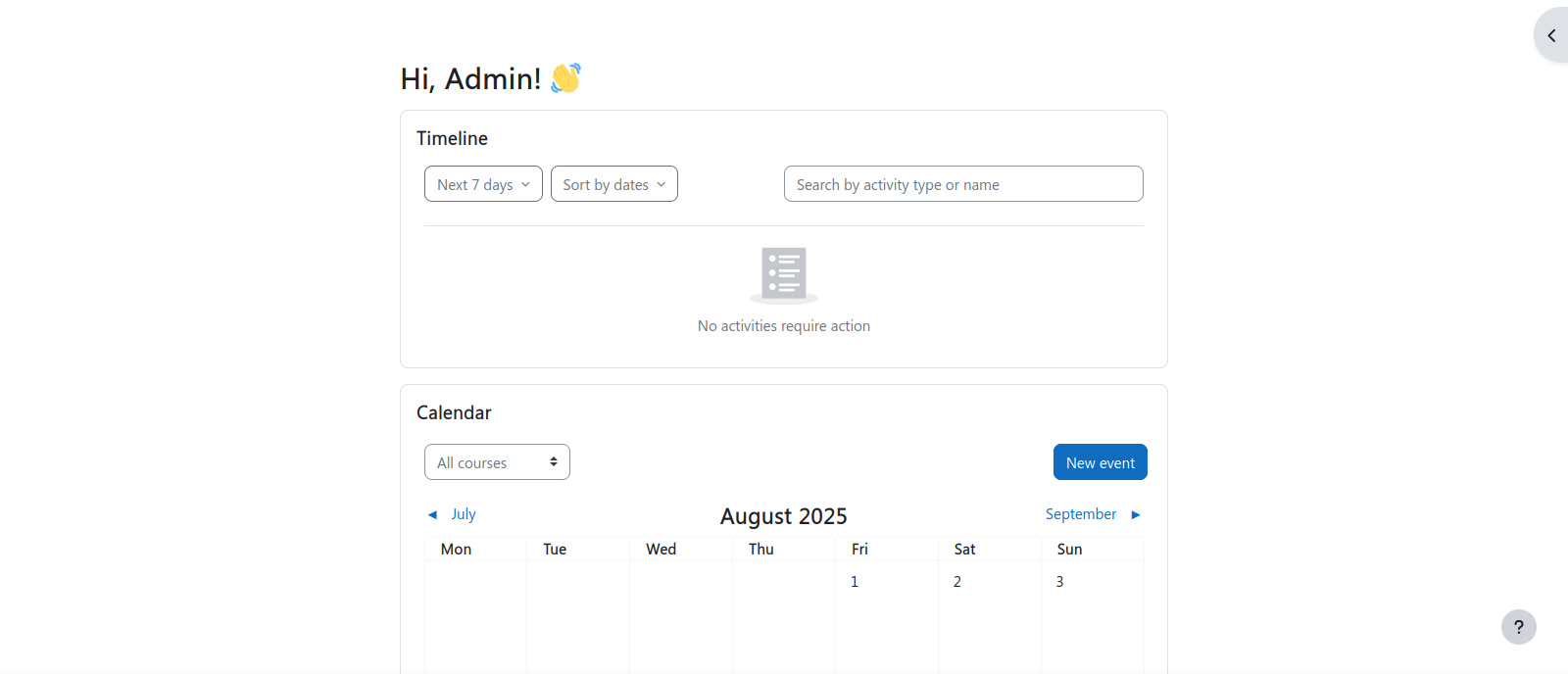


Improved User Experience (UI/UX)



Brand Using Images, Colours and Fonts
Join Over 4000 Happy Organizations
“I'm using the Trema Theme for Moodle LMS version 3.9. It's a great theme that I recommend.”
- Eagle H.
“I have been using Trema, very customizable and flexible but not complicated theme.”
- Mesfin T.
“Trema is my favorite theme by far! The bestest of all so far! Thank you very much for your work.”
- Oscar R.
“I love this theme so much. It's clean, simple, clear.”
- Alex C.
“Really very wonderful theme! Visually clean and light, and beautiful!”
- Suzana F.
“Excellent work and very good eye catching theme.”
- Andy H.
Features
| Features | Trema Free | Trema Pro | Trema Pro+ |
| Basic Customization | Yes | Yes | Yes |
| Basic Documentation | Yes | Yes | Yes |
| Compatibility with Moodle LMS 4.0 to 5.0 | Yes | Yes | Yes |
| Enhanced Quiz Left Sidebar | No | Yes | Yes |
| Option to Add Header and Footer to all Outgoing Emails | No | Yes | Yes |
| Bookmarks | No | Yes | Yes |
| Setting to Toggle Underline of Course Card Title | No | Yes | Yes |
| Setting to Show Course Summary in Course Cards | No | Yes | Yes |
| Setting to Show Course/Global Search in Page Header | No | Yes | Yes |
| Accessibility Sidebar | No | Yes | Yes |
| Configurable Custom Pages | No | Yes | Yes |
| Improved Appearance of Category Pages | No | Yes | Yes |
| Setting to Show Course/Global Search in Page Header | No | Yes | Yes |
| Setting to Expand All Sections by Default on Edit Profile Page | No | Yes | Yes |
| Setting to Show/Hide/Configure Service and Support Link | No | Yes | Yes |
| Option to Disable Google Translate | No | Yes | Yes |
| Option to add Content Copy Deterrent | No | Yes | Yes |
| Option to Disable Course Index Drawer | No | Yes | Yes |
| Extra top content block on most pages: Standard, Course main page, course activities, Frontpage, Admin, Dashboard, My Courses, Reports and more. | No | Yes | Yes |
| Access to Updates for 6 Months | No | Yes | Yes |
| Extend Support and Updates to 12 Months | No | No | Yes |
Frequently Asked Questions
Will I receive updates for the theme?
Yes, you will receive any updates for the theme at no additional charge, for as long as your subscription lasts.
What happens when my license expires?
Nothing, however you will no longer have access to the download link, documentation, or be able to receive support.
Do you offer a trial?
You can download the non-pro version of Trema for free.
How do I customize Trema?
While logged in as an admin, go to site administration > Appearance > Themes, and click the gear icon under the Trema banner.
Do I need to renew my license?
You need to renew your license in order to continue receiving support and compatibility fixes for Moodle.
Is it refundable?
No. If you're not sure, please try the free version first.
Can I upgrade my license?
You can upgrade your license by purchasing a new version once your current license expires.
Does the License cover dev, QA, staging and UAT sites?
Yes, it does for that site. You will need a license for each production site.
What kind of support is offered?
Addressing issues related to bugs.
Can I cancel my Subscription?
Yes, by going to My account > Subscriptions, then clicking show on whichever subscription you wish to cancel, and clicking cancel, however it is not recommended to do this, as you subscription is not renewed automatically, and you will not be refunded.
Ready to Get Started?
Buy FilterCodes Pro and start creating dynamic Moodle LMS content in minutes. Contact Michael